Qi wireless charging and your phone: a quick, honest take
If you're a smartphone owner worried that Qi wireless charging is secretly ruining your battery life, you're not alone — that fear pops up every week. You want your device longevity to last through two years, three, maybe five, and you don't want the battery to go from 100% to 70% in a blink. Our goal is to clear up wireless charging myths, show practical battery health best practices, and explain how certified Qi chargers and sensible habits can actually help your smartphone battery hold up longer.
Does Qi wireless charging damage smartphone batteries?
Short answer: no, not inherently. Qi wireless charging is a method of delivering power, not a mysterious poison. The battery chemistry inside most phones is lithium-ion, and those cells age because of factors like charge cycles, depth of discharge, and heat. Wireless charging can introduce extra heat in some setups, and heat accelerates degradation. But use the right charger and habits, and the impact is minimal.
Why people worry
Because wireless pads sit under your phone, and heat rises. People see their phone get warm and assume the worst. I've noticed that anxiety spikes when someone charges overnight and then checks the battery health percentage a few months later. Correlation is not always causation.
How much does wireless charging actually change lifespan?
Battery lifespan is often measured in full charge cycles. A typical lithium-ion cell retains about 80% capacity after 500 full cycles. Charging style matters more than the transfer method. If wireless charging makes your phone run consistently hotter by 5 degrees Celsius, that can shave life faster than a cooler wired charge. But if your wireless pad is Qi-certified and you avoid heat traps, the difference is small.
What are the biggest wireless charging myths?
Let's bust some myths. Fast. And blunt. Learn more about biggest wireless charging myths.
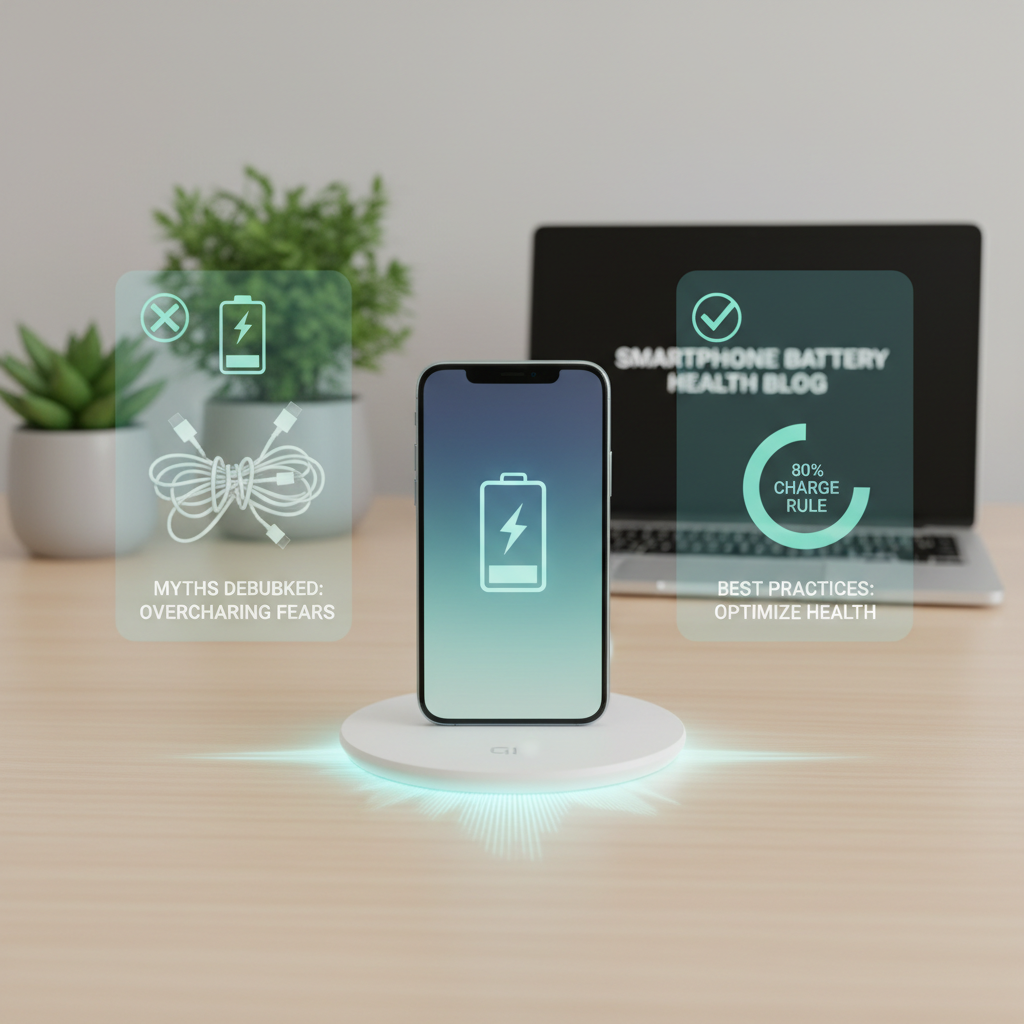
- Myth: Qi wireless charging will destroy your battery quickly. Reality: Not if you use certified chargers and avoid heat buildup.
- Myth: Wireless charging always overheats phones. Reality: Some setups run warmer, but modern phones throttle charging and many chargers have thermal management so you rarely hit dangerous temps.
- Myth: Charging to 100% every time with wireless is worse than wired. Reality: It's the 0% to 100% cycles that hurt most, not the charge method. Top-off charging is fine if you avoid leaving at 100% for extended periods.
- Myth: Qi chargers damage phones that aren't designed for wireless. Reality: Only Qi-compatible devices receive power; nothing happens if a phone isn't equipped for Qi.
How does wireless charging affect device longevity?
Think of battery health as a balance between charge cycles, depth of discharge, and temperature. Qi wireless charging interacts with two of those: cycles and temperature.
So here's the thing - if you use wireless for quick top-ups during the day, you're adding small partial cycles, which is actually gentle on the cell. If you use wireless to constantly top to 100% overnight and the phone sits warm, that accelerates degradation.
Practical numbers to remember
- Target storing and charging battery between 20% and 80% where possible.
- Avoid sustained battery temperatures above 40°C (104°F).
- Expect roughly 500 full cycles to bring capacity near 80% for most lithium-ion cells.
What are actionable best practices for battery health with Qi wireless charging?
Here are clear, doable steps you can start today. No jargon. No complicated gadgets.

- Use Qi-certified chargers and cables. Certified gear has safety features and better efficiency.
- Remove thick or metallic cases if your phone gets hot on the pad (many cases add 3 to 6 degrees Celsius).
- Don't leave the phone plugged at 100% all the time. Modern phones may have charge management, but manually unplugging overnight helps.
- Prefer short top-ups to long full charges. Topping from 30% to 80% is kinder than a regular 0% to 100% habit.
- Keep phone and charger firmware updated. Manufacturers push thermal and charging improvements through updates.
- Place the charger on a hard, flat surface for airflow - not on a pillow or under a blanket.
- If you need speed and the phone gets hot, use wired fast charging for that session and wireless for gentle top-ups.
How often should you use wireless vs wired?
Mix it up. Use wireless for convenience - desk charging between meetings, bedside top-ups before sleep - and use wired when you need faster replenishment. In my experience, people who mix methods and avoid constant 100% overnight charging see better battery health after a year than those who only ever top to 100% wirelessly.
Can wireless charging cause overheating and how do I prevent it?
Yes it can, if conditions are bad. But prevention is simple.
- Check for warning signs: phone gets too hot to touch, charging slows down dramatically, or battery percentage jumps erratically.
- Remove the case if it traps heat. Call it a quick test - you’ll feel the difference.
- Switch to a lower-power Qi-mode if your charger offers it (many pads drop to 5W or 7.5W to keep temps down).
- Avoid charging in direct sunlight or on soft surfaces that block airflow.
Which charger should I buy for best battery health?
Look for Qi-certified chargers from reputable brands and check these features:
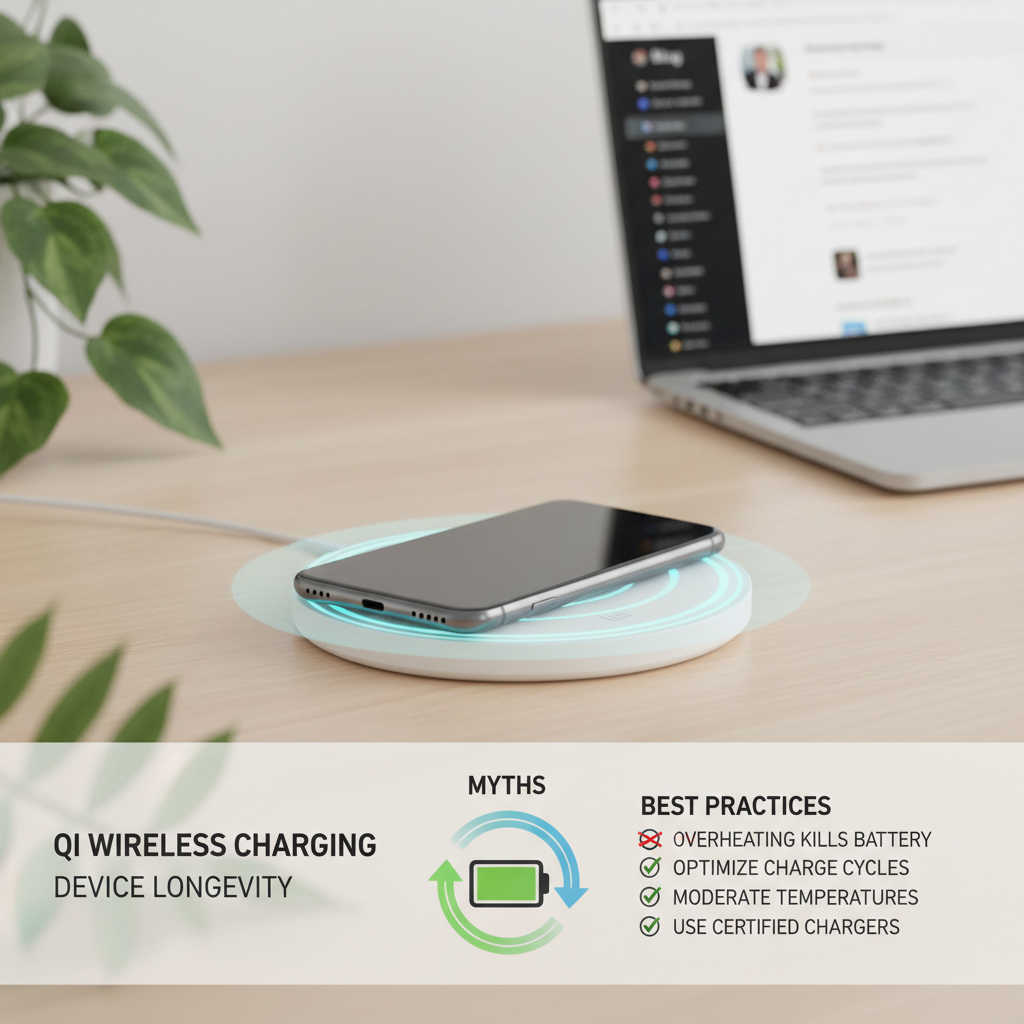
- Over-temperature protection and thermal management.
- Foreign object detection to prevent energy loss and heat from metal objects.
- Multiple power profiles (5W, 7.5W, 10W, 15W) so your phone can negotiate the safest rate.
- Good reviews mentioning steady temps and consistent charging times.
If this feels overwhelming, our team can handle it for you - we test chargers, document temperatures, and recommend the exact model that matches your phone and habits.
How does software affect wireless charging and battery health?
Software matters a lot. Most phone manufacturers include battery care features that slow charging when the phone is expected to sit on a charger overnight, or that stop charging at 80% until you need it. Enable battery health or optimized charging settings in your phone's settings. I’ve seen phones extend usable battery life by months just by turning on the right option.
What are the best habits for everyday users?
- Start the day with 50% to 80% charge. That’s a good baseline.
- Top up during the day with short wireless sessions - five to thirty minutes - rather than one long fill to 100%.
- Aim to avoid full discharges below 10% and full charges above 95% often.
- Check battery settings weekly and update your phone when manufacturers release charging tweaks.
Frequently Asked Questions
Does Qi wireless charging reduce battery capacity faster than wired charging?
No, not by default. The main risk is heat. If your wireless setup keeps the phone hotter, capacity will decline faster. But with a good Qi-certified charger and moderate temperatures, wireless and wired charging have similar impacts on battery capacity.
Is it bad to charge my phone overnight on a wireless pad?
Occasional overnight charging is fine, especially if your phone uses optimized charging. Repeatedly leaving a phone at 100% while it sits warm overnight can accelerate wear. If you charge overnight a lot, enable battery optimization features or set a maximum charge limit if your phone allows it.
Should I remove my phone case when using Qi wireless charging?
Remove it if your phone runs hot during charging. Thin plastic or silicone cases are usually fine. Thick leather, heavy-duty rugged cases, or cases with metal plates can trap heat or interfere with alignment, so take them off for long charging sessions.
How can I tell if a wireless charger is safe?
Buy Qi-certified products, check for temperature control, foreign object detection, and read user reviews focusing on heat and reliability. Cheap knockoffs often lack protections and produce more heat.
Final takeaways
Qi wireless charging is convenient and, when done correctly, won't ruin your smartphone battery. The real enemies are heat, repeated full cycles, and bad hardware. Use certified chargers, avoid persistent high temperatures, enable battery optimization settings, and prefer short top-ups over repeated full charges. Do that, and your device longevity will thank you.
Want help choosing a charger or setting up battery-friendly habits for your fleet of phones? We can run tests and recommend an exact plan that matches how you actually use your devices. Real talk - it's easier than you think, and it pays off.